
What Is a Google Maps Grid Rank Tracker and How Does It Work?
How Google Maps grid rank tracking works, which grid size to choose, what average rank and top-3 coverage mean, and…

Use code "DIWALI20" till Nov 30 :Save up to 20%
Learn how Google Business Profile automation works, which tasks to automate and how to schedule a month of Google posts and AI review replies in one sitting.
If you run a local business, your Google Business Profile is probably seen by more customers than your website. People find you on Google Search and Maps, glance at your photos, read your latest post and decide whether to call. The problem is that keeping that profile fresh takes time, and time is exactly what most owners don’t have.
This guide explains how Google Business Profile automation works, which jobs you can safely hand over to software, and how to set it up so your profile stays active every week without you logging in.
Key takeaways
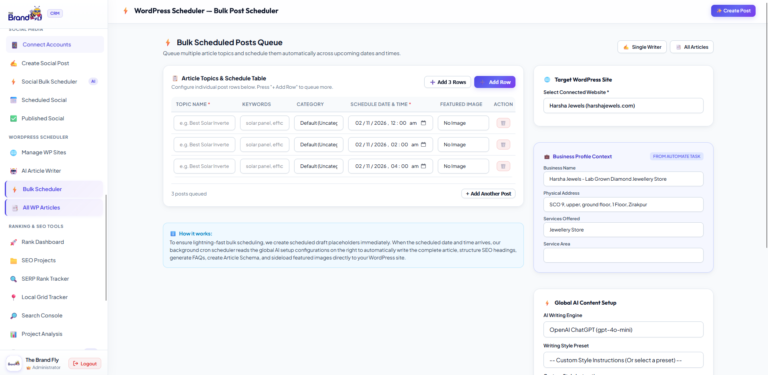
Google Business Profile automation means using software to publish posts, schedule content and reply to reviews on your profile without doing each task by hand. Instead of remembering to log in every few days, you plan your updates once and the tool posts them on the dates you choose.
It covers the jobs that eat up time every week:
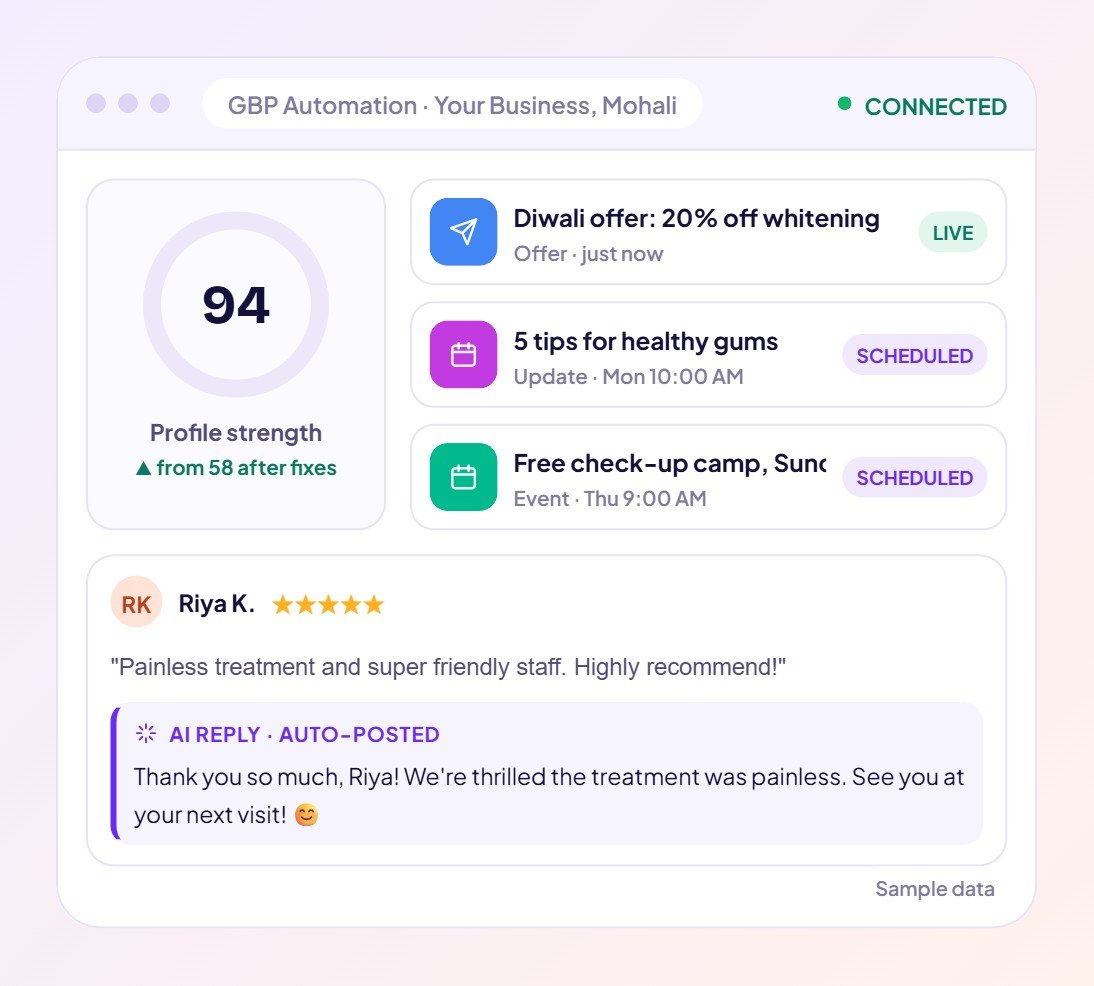
Regular posts show customers and Google that your business is open, active and paying attention. A profile with no new posts for months looks neglected, even if your business is busy. Fresh posts also give people a reason to act: a limited offer, a new service or an upcoming event, each with a button such as Call now or Book.
Most owners know this. The real issue is consistency. You post twice in one week, then nothing for two months because the shop got busy. Automation fixes the consistency problem, not the creativity problem.
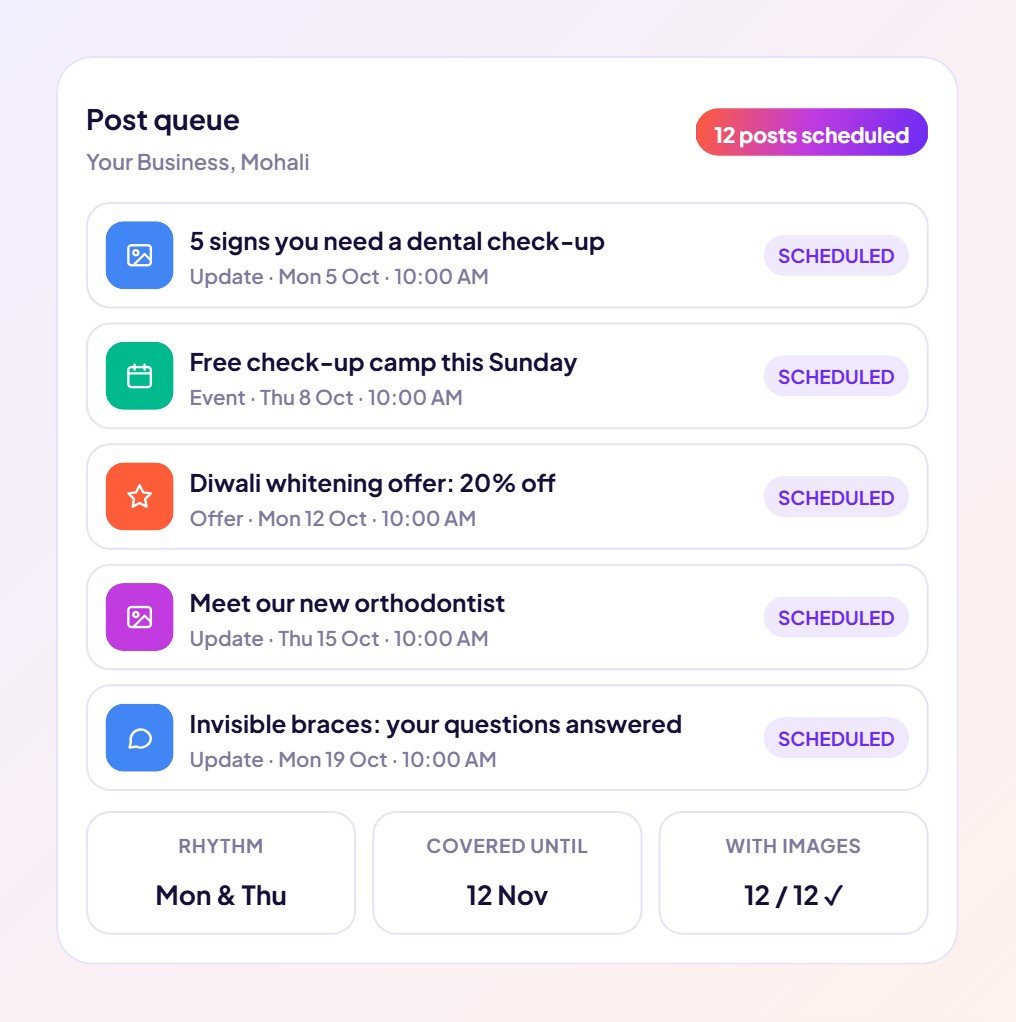
Automation saves the repeated time of logging in, writing, uploading an image and publishing for every single post. Each post on its own only takes a little while, but over a year of weekly posts, review replies and profile checks it adds up to days of work. With bulk scheduling you do that work in one sitting each month instead of a few minutes, many times over.
The bigger saving is mental: you stop carrying “we need to post on Google” around in your head.
| Task | Automate it? | Why |
|---|---|---|
| Weekly update posts | Yes | Predictable, repeatable and easy to plan ahead. |
| Offers and seasonal promotions | Yes, scheduled in advance | Plan festive offers weeks before the rush. |
| Replies to 4 and 5-star reviews | Yes | AI can thank customers personally and quickly. |
| Replies to negative reviews | Draft only | Let AI draft, but approve the reply yourself. |
| Profile fixes (services, description, Q&A) | Assisted | The audit finds gaps and suggests fixes you confirm. |
Not if the content is about your real business. The best automated posts are still specific: the actual offer, the real price, the date of the event, a photo of your team. Use AI to draft the caption, then edit a line or two so it sounds like you. Scheduling only changes when a post goes live, not how good it is.
Publish posts in one click, schedule months ahead, audit your profile and let AI reply to reviews, all from one dashboard.
See how the Google Business Profile Automation works → | Start in The Brand Fly CRM →
Yes. With a scheduling tool you can create posts now and choose the exact date and time each one goes live, so your profile stays active while you focus on running the business.
Yes. Publishing through a tool you connect to your own profile is the same as posting yourself. Keep your posts accurate and follow Google’s content policies.
Aim for at least one post a week. Consistency matters more than volume, which is why scheduling a month at a time works so well.
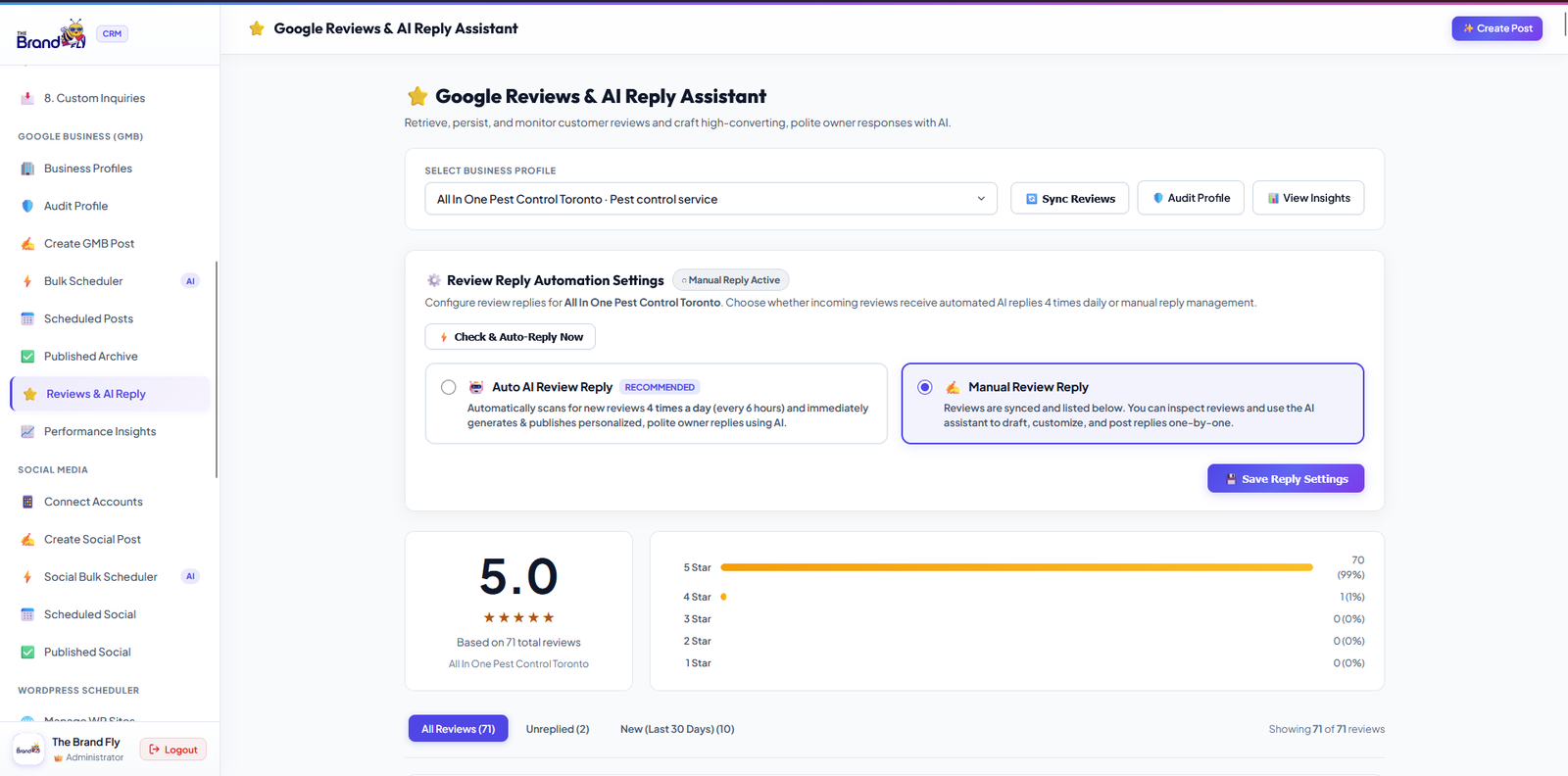
Yes. The Brand Fly tool writes a personal reply based on what each customer said. You can auto-post replies to positive reviews and approve replies to negative ones before they go live.
Ready to stop worrying about your Google profile? Open The Brand Fly CRM and schedule your first month of posts today.

Written by the strategy team at The Brand Fly — a Google Partner and Meta Business Partner helping local businesses in the US, Canada, Dubai, Australia and India get found on Google, Maps and AI search for more than ten years.
How Google Maps grid rank tracking works, which grid size to choose, what average rank and top-3 coverage mean, and…
Google personalises local results to each searcher's location and device. Here is why your own searches mislead you and how…
A step-by-step way to write SEO-friendly blog posts with AI: pick a real keyword, generate the draft, add your voice…
Send us your website and market. Within two working days a strategist will show you where your enquiries are going instead — and what to fix first.
Pick whichever is easiest for you.
Get my free audit → 💬 WhatsApp +91 99888 88525 Browse our servicesOffice hours: 9:00 AM – 10:00 PM IST