
What Is a Google Maps Grid Rank Tracker and How Does It Work?
How Google Maps grid rank tracking works, which grid size to choose, what average rank and top-3 coverage mean, and…

Use code "DIWALI20" till Nov 30 :Save up to 20%
Use Google Search Console to find quick-win keywords and content gaps, then turn them into blog posts that rank, with the AI Blog Writer for WordPress.
“What should we write about this week?” is the question that kills most business blogs. You sit down, guess a topic, spend hours writing it, and then nobody searches for it. Meanwhile, Google is already showing your website for dozens of searches you have never written a proper post about.
Those searches are sitting in Google Search Console. This guide shows you how to find them, which ones to pick first, and how to turn them into blog posts without guessing.
Key takeaways
The best blog topics come from searches Google already connects with your website. Brainstormed topics are guesses. Search Console data is evidence: real people typed those words and Google decided your site was relevant enough to show. Writing a focused post on that topic is the fastest way to turn an impression into a click.
Open the Performance report, look at the Queries tab and sort by impressions. Then look for three kinds of keyword:
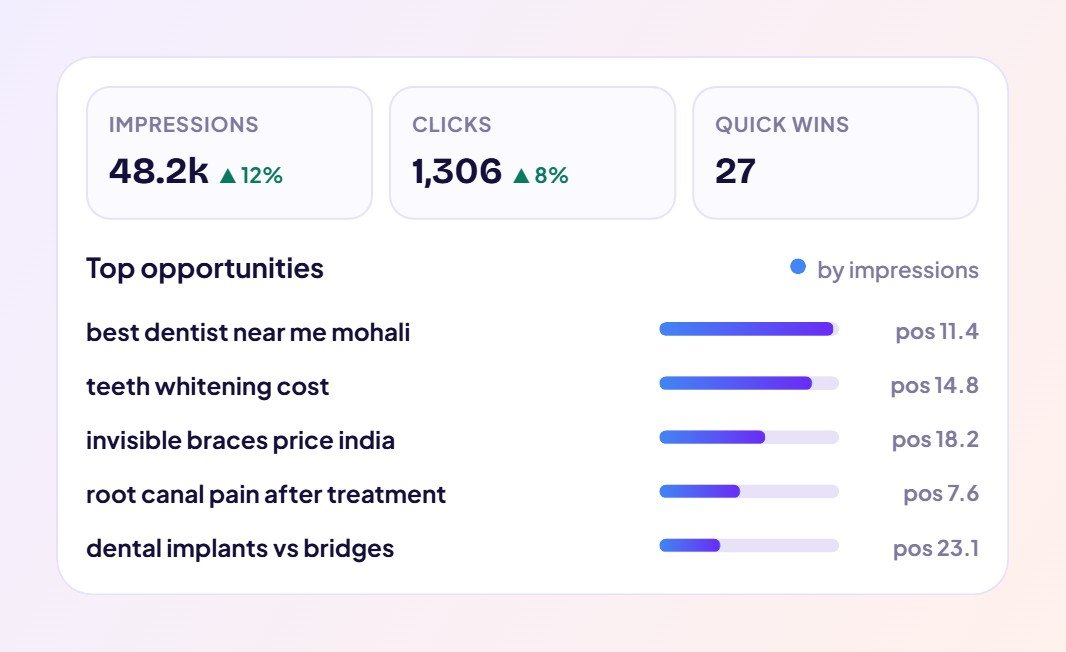
A quick win is a keyword with real search demand where you already rank on page two or low on page one. Google already trusts your site for the topic; it just needs a better answer. Moving from position 12 to position 6 is usually far easier than ranking for a brand-new keyword from scratch.
| Keyword type | Typical position | What to do |
|---|---|---|
| Quick win | 8–20 | Write a focused post or expand the existing page. |
| Content gap | 20+ with impressions | Create a new post that answers the search directly. |
| Top 10 already | 1–7 | Support it with related posts that link back to it. |
Use the keyword as the main topic, answer the search in the first paragraph, and organise the rest under clear question-style headings. A good structure is: a direct answer, a short explanation, practical steps, a comparison or example, and an FAQ. This format is easy for readers to scan and easy for Google, and its AI Overviews, to understand.
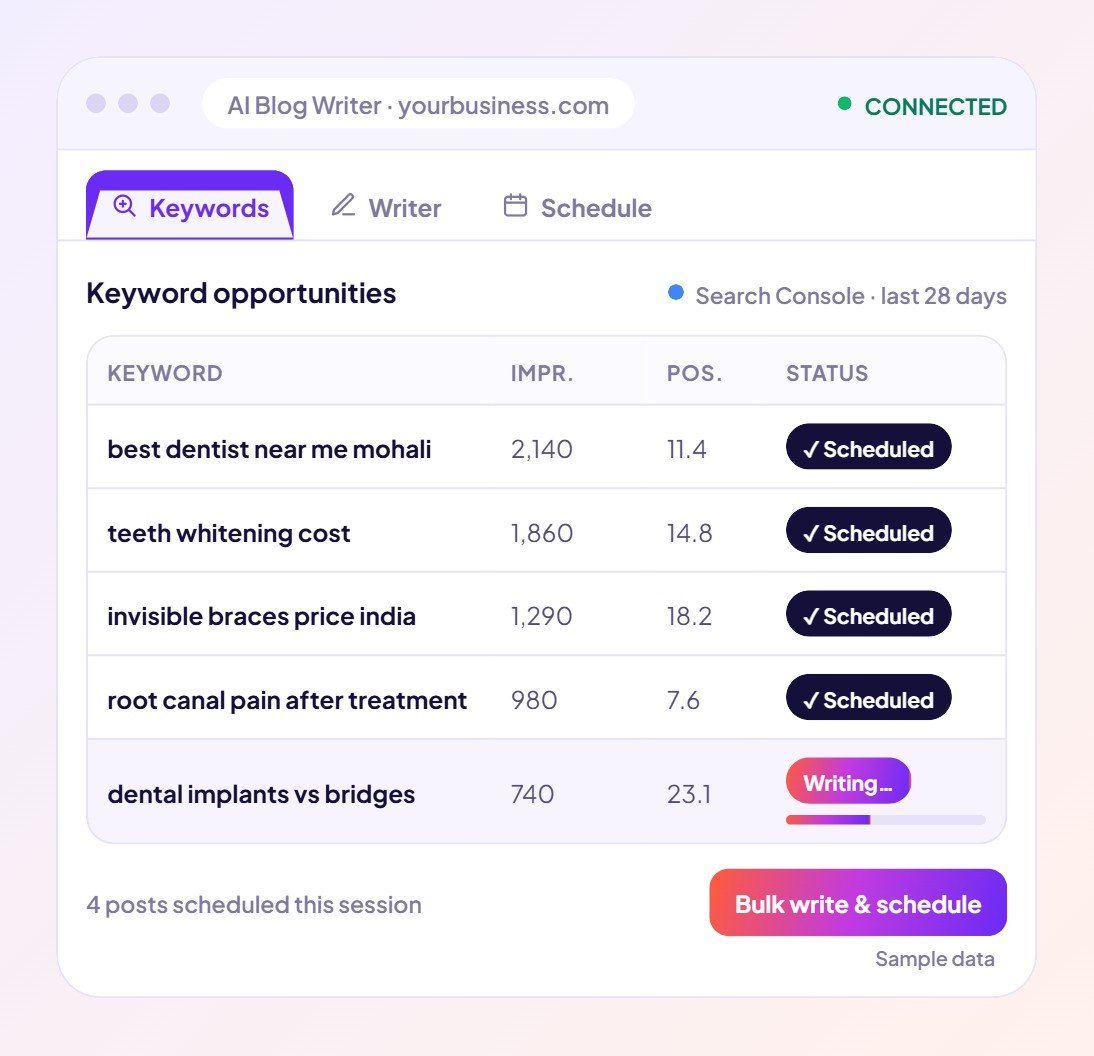
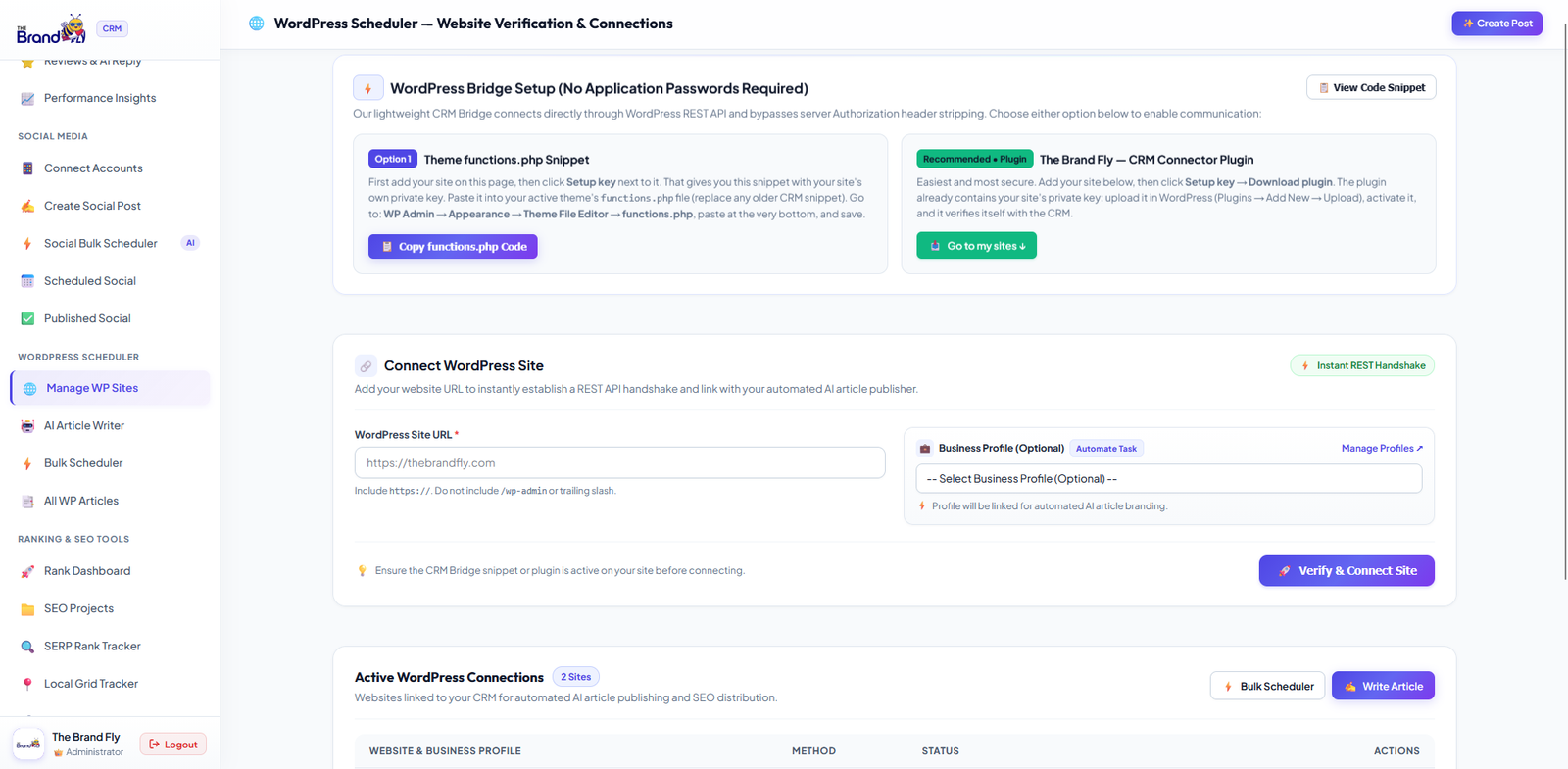
It does the Search Console analysis for you and puts the opportunities in a ready-to-use list. Instead of exporting spreadsheets, you connect Search Console once, tick the keywords you want, and generate posts from them inside WordPress.
Connect Search Console, pick your quick-win keywords and let AI write and schedule the posts in WordPress.
See how the AI Blog Writer for WordPress works → | Start in The Brand Fly CRM →
Yes. Google Search Console is free for any website owner. You verify your site once and it starts collecting search data.
There is no fixed number. For a local business, even a few dozen impressions a month for a buying-intent keyword can be worth a dedicated post.
If an existing page already ranks for the keyword, improve it. If no page really answers the search, write a new post.
Yes, once you connect your site. It reads your queries, impressions and positions to suggest the best topics.
Find your first ten blog topics in minutes: open The Brand Fly CRM and connect Search Console.

Written by the strategy team at The Brand Fly — a Google Partner and Meta Business Partner helping local businesses in the US, Canada, Dubai, Australia and India get found on Google, Maps and AI search for more than ten years.
How Google Maps grid rank tracking works, which grid size to choose, what average rank and top-3 coverage mean, and…
Google personalises local results to each searcher's location and device. Here is why your own searches mislead you and how…
A step-by-step way to write SEO-friendly blog posts with AI: pick a real keyword, generate the draft, add your voice…
Send us your website and market. Within two working days a strategist will show you where your enquiries are going instead — and what to fix first.
Pick whichever is easiest for you.
Get my free audit → 💬 WhatsApp +91 99888 88525 Browse our servicesOffice hours: 9:00 AM – 10:00 PM IST