
What Is a Google Maps Grid Rank Tracker and How Does It Work?
How Google Maps grid rank tracking works, which grid size to choose, what average rank and top-3 coverage mean, and…

Use code "DIWALI20" till Nov 30 :Save up to 20%
A step-by-step way to write SEO-friendly blog posts with AI: pick a real keyword, generate the draft, add your voice and schedule it in WordPress.
Most business owners agree that blogging brings in customers. Very few manage to do it every week. A single well-researched post can take most of a working day: research, outline, writing, headings, images and formatting. So the blog gets pushed to “next week”, and next week never comes.
AI changes that equation. Used properly, it turns a full day of writing into a few clicks plus a quick edit. This guide shows how to write an SEO-friendly blog post with AI in minutes while keeping it accurate and sounding like your business.
Key takeaways
Yes, AI can write a well-structured, readable SEO blog post, as long as a person gives it the right topic and reviews the result. Google has said it rewards helpful, people-first content however it is produced. What it does not reward is thin, generic text written for nobody in particular. The difference comes from the inputs (a real keyword and a clear angle) and the edit (facts, examples and your experience).
Because writing is only one of six jobs. You have to choose a topic, research it, plan the structure, write the draft, format headings and find an image. AI handles the planning, drafting and formatting in one go, which is usually the bulk of the time.
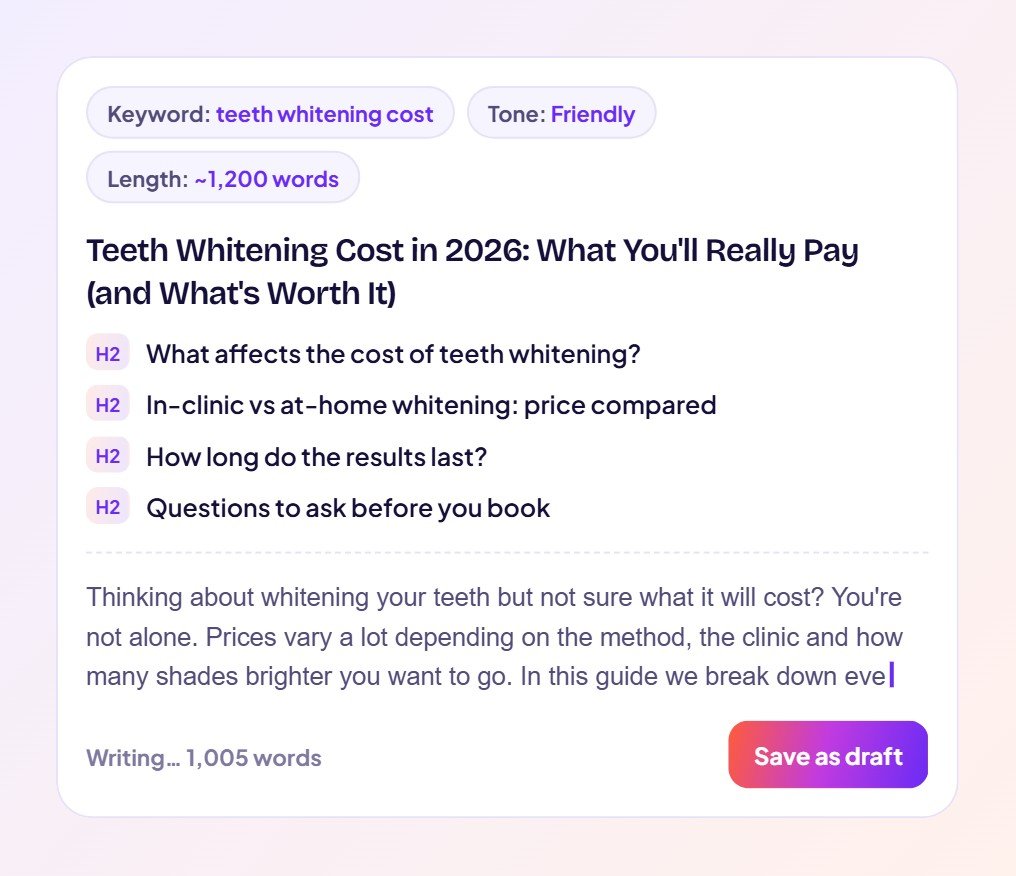
Give the AI a tone, then add details only your business can provide. A quick checklist for every AI draft:
| Element | Why it matters |
|---|---|
| Keyword-focused title | Tells searchers and Google what the post answers. |
| Direct answer in the first paragraph | Helps readers and AI Overviews pick up your answer quickly. |
| Question-style headings | Match the way people search and make the post easy to scan. |
| Lists, steps and tables | Make information easy to extract and compare. |
| FAQ section | Covers related searches in one place. |
| Feature image | Makes the post look finished on your blog and when shared. |
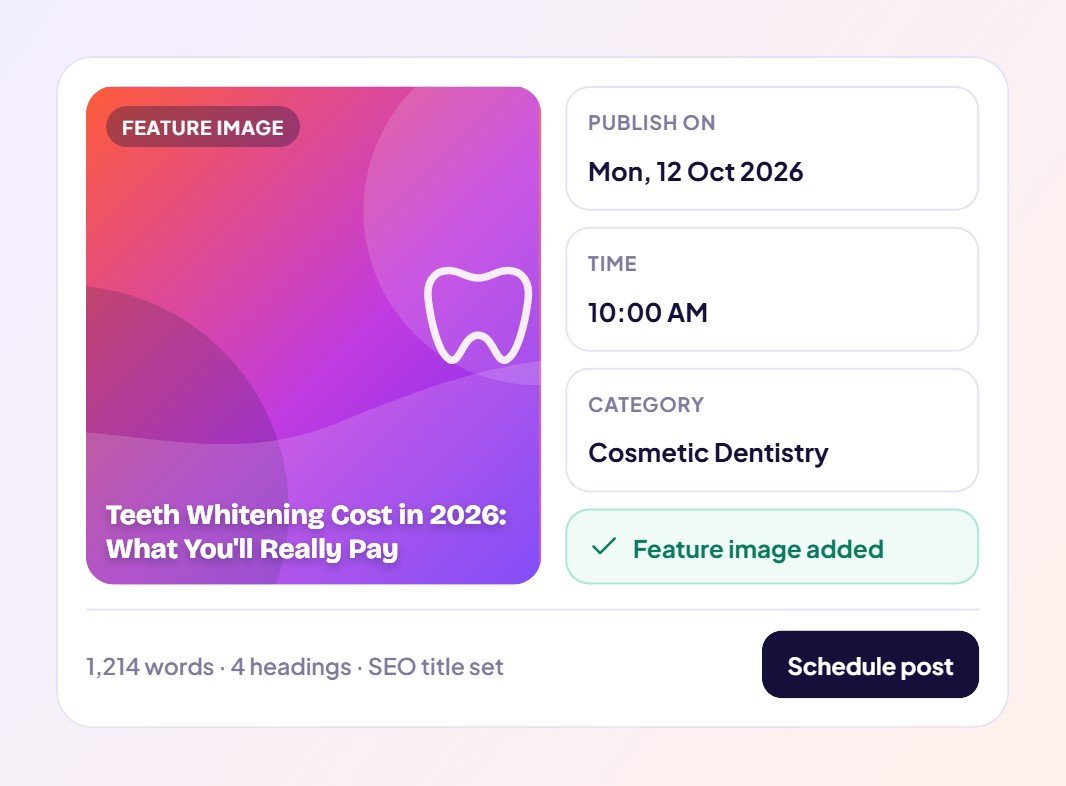
It removes the drafting and formatting, which is usually most of the work, leaving you a short review. Instead of blocking out a day per post, you can produce and schedule several posts in a single session and spend your time on the edit that makes them yours.
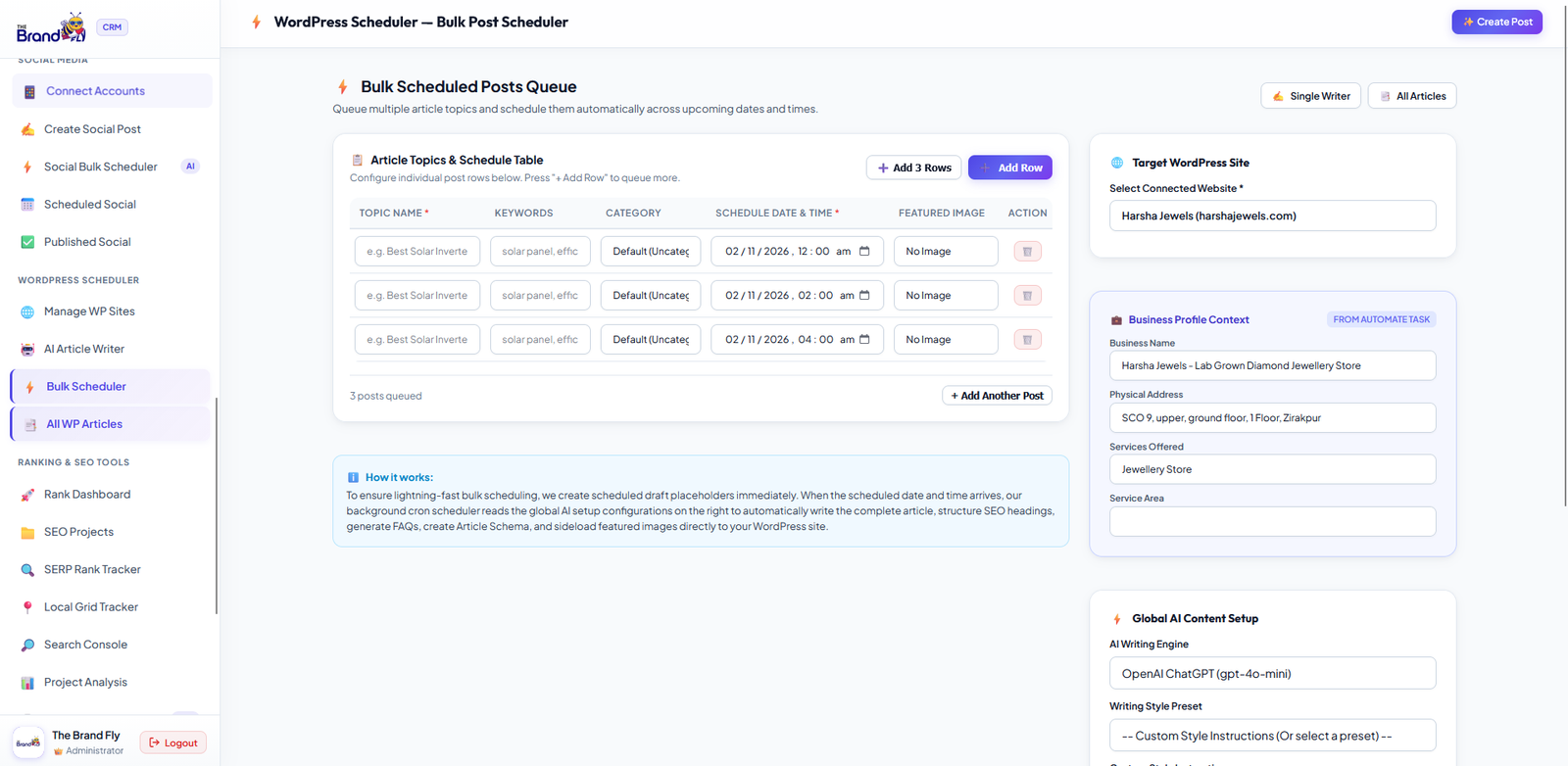
Pick a keyword from Search Console, let AI write the post in your tone and schedule it in WordPress with a feature image.
See how the AI Blog Writer for WordPress works → | Start in The Brand Fly CRM →
Google’s guidance focuses on whether content is helpful and accurate, not on how it was written. Review and improve AI drafts so they genuinely help your readers.
Long enough to fully answer the search. For most local business topics that is roughly 1,000 to 1,500 words.
Yes. Every post is fully editable in WordPress. You can change the title, headings or any sentence before scheduling.
It is built for WordPress websites. Connect your site and Search Console once and the posts appear in your normal WordPress dashboard.
Ready to publish more without writing more? Open The Brand Fly CRM and generate your first AI blog post.

Written by the strategy team at The Brand Fly — a Google Partner and Meta Business Partner helping local businesses in the US, Canada, Dubai, Australia and India get found on Google, Maps and AI search for more than ten years.
How Google Maps grid rank tracking works, which grid size to choose, what average rank and top-3 coverage mean, and…
Google personalises local results to each searcher's location and device. Here is why your own searches mislead you and how…
Use Google Search Console to find quick-win keywords and content gaps, then turn them into blog posts that rank, with…
Send us your website and market. Within two working days a strategist will show you where your enquiries are going instead — and what to fix first.
Pick whichever is easiest for you.
Get my free audit → 💬 WhatsApp +91 99888 88525 Browse our servicesOffice hours: 9:00 AM – 10:00 PM IST